Adult Coloring Book
Artherapy
10 minutes a day
to unwind
Pick how you feel, take a breath, and lay down the colors you love.
About 200 coloring pages, all free to color.
COLORING
About 200 pages, all free
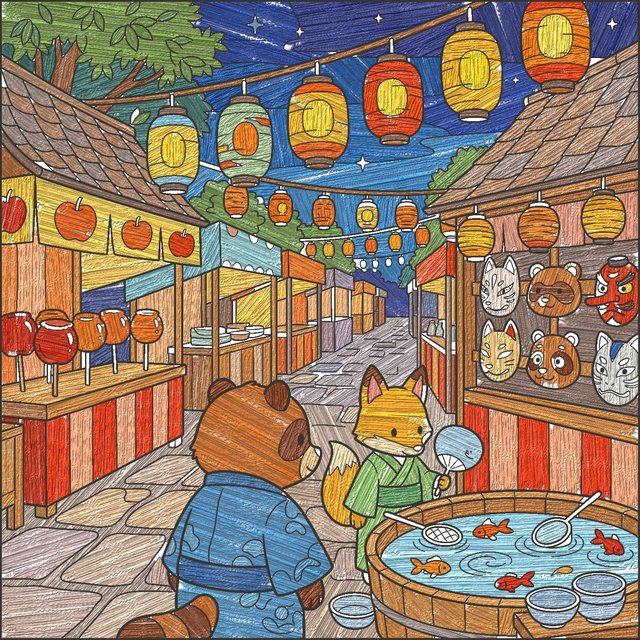
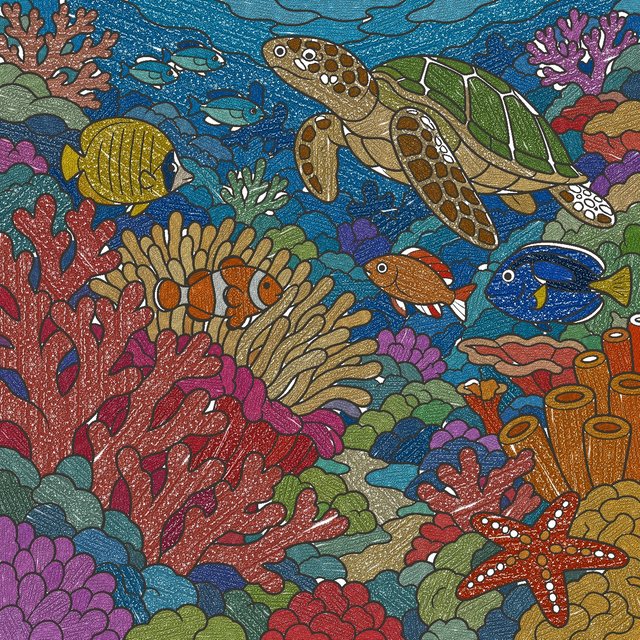
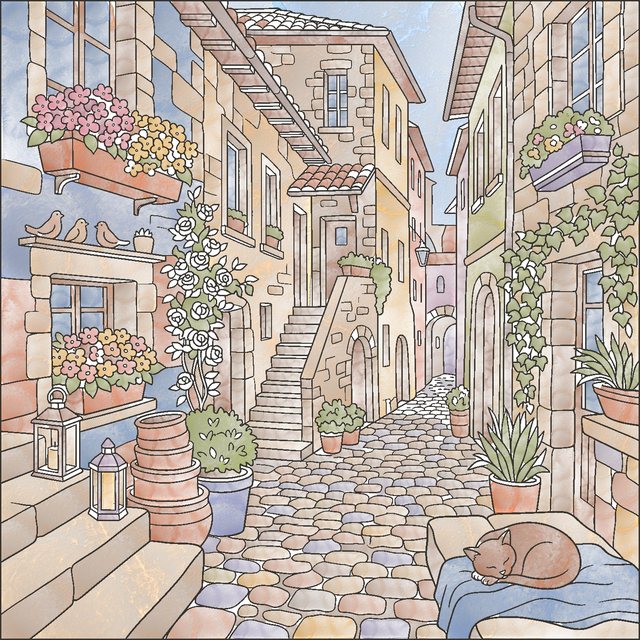
Flowers, landscapes, animals, cities and more. Some take 10 minutes, some take 20, and some are detailed pieces to savor slowly. New pages are added regularly.


MATERIALS
Materials you can feel
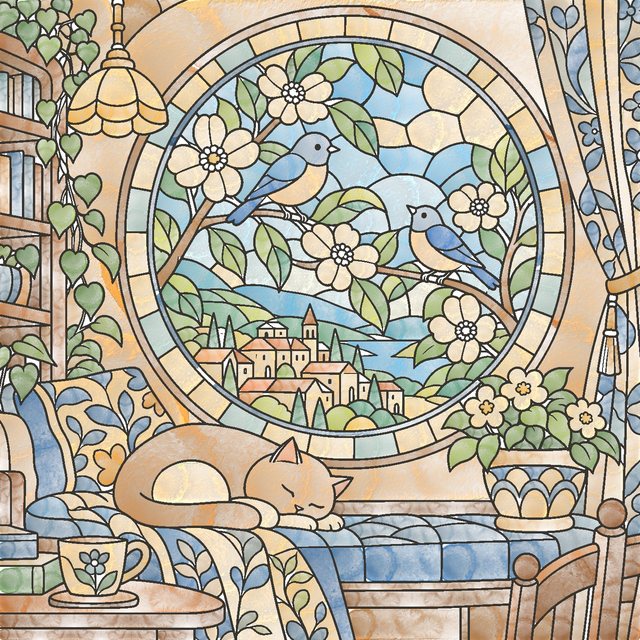
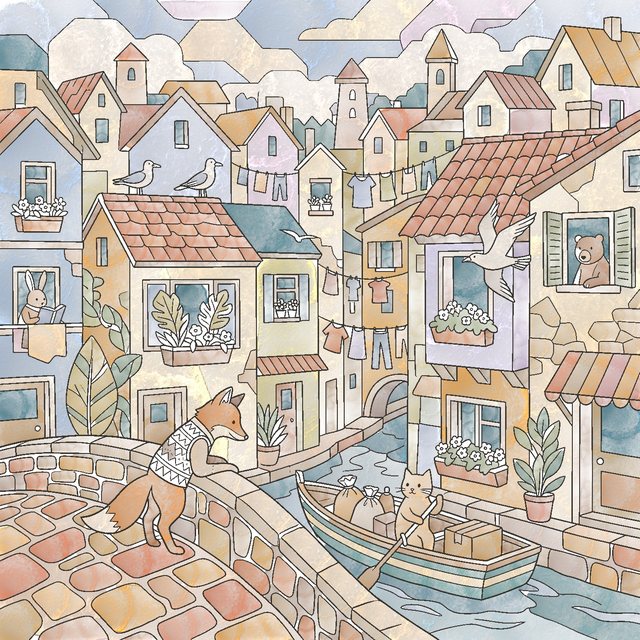
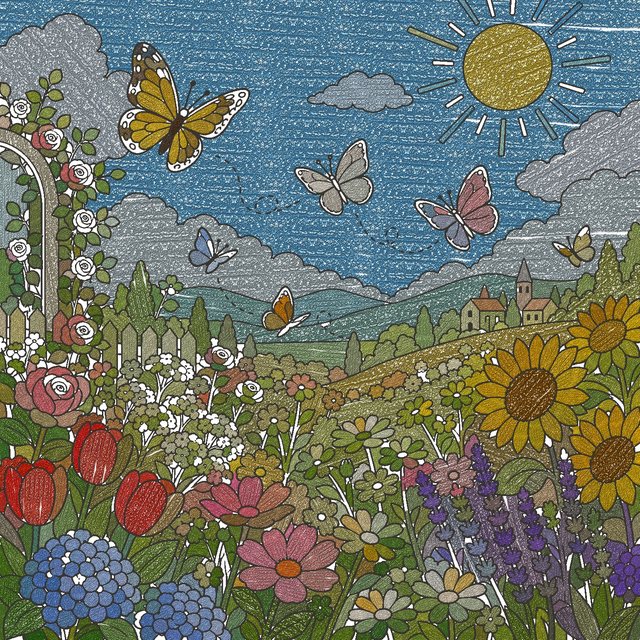
Watercolor, oil, colored pencil, crayon, marker and airbrush. Switch materials and the same color takes on a whole new texture. Five special materials — glitter, metallic, marble, wood and neon — can each be tried free 5 times a day.

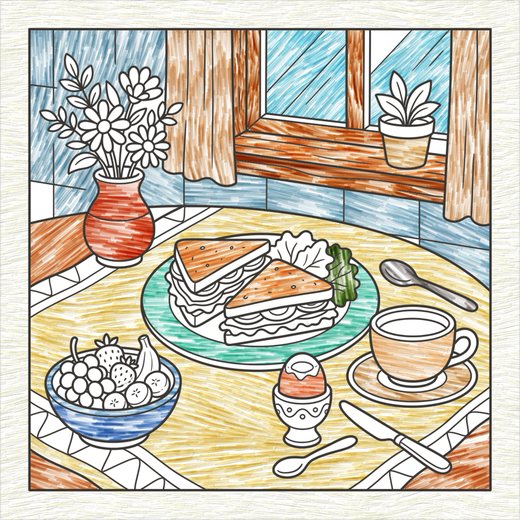




Color with your finger or with Apple Pencil, on iPhone or iPad.
PHOTO
Your own photo,
now a coloring page
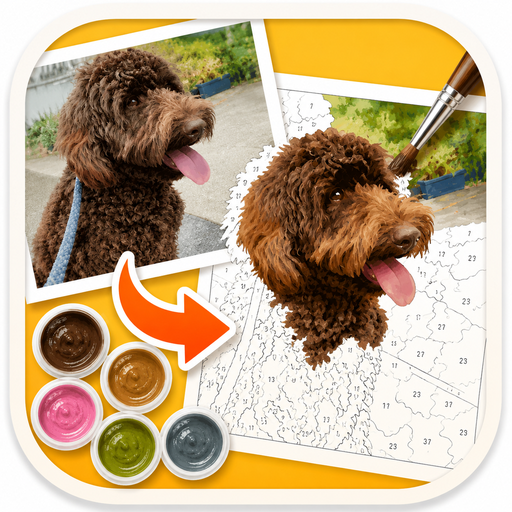
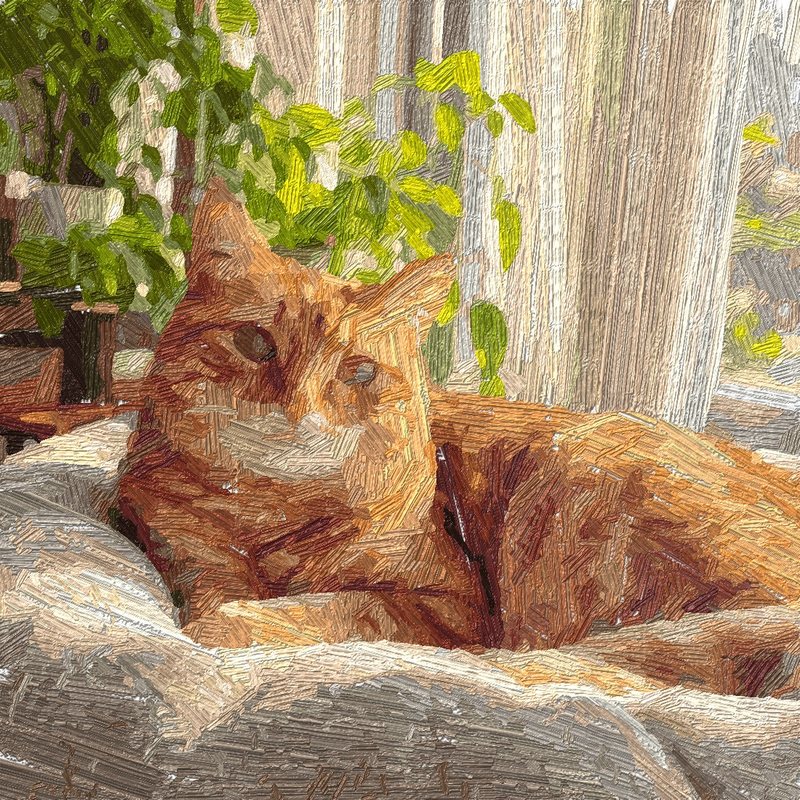
Choose a photo of your pet or your family, and it becomes a color-by-number page. Fill in the numbers and watch your photo slowly turn into a painting.
The conversion happens entirely on your device. Your photos are never sent anywhere. The free plan includes 1 photo per month.

DIARY
Your days, on a calendar
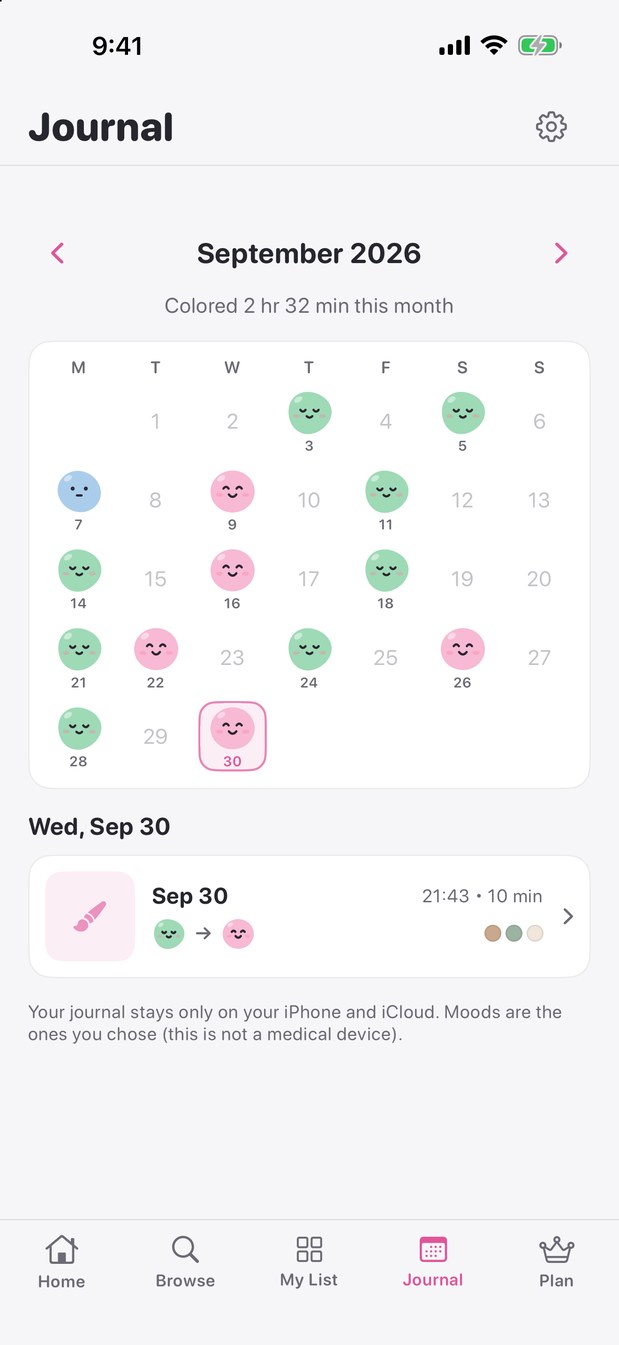
Before and after coloring, pick a face that matches your mood. Each day you color keeps that face, so you can look back on it later.
Your records stay only on your device and in iCloud. You can also log Mindful Minutes to Apple Health. Moods are your own choice — this app is not a medical device.
PRICING
Pricing
Free
- ・Color all ~200 pages
- ・Basic materials included; try each special material 5 times a day
- ・1 photo-to-coloring page per month
- ・No ads while you color (small banners on Browse and My List)
Artherapy Premium
Monthly or yearly · 7-day free trial on monthly
- ・All 5 special materials (glitter, metallic, marble, wood, neon), unlimited
- ・Unlimited photo-to-coloring pages
- ・No ads
- ・Printable exports for stickers and postcards
Prices are shown in the app and on the App Store in your local currency. Payment is charged to your Apple ID, and subscriptions renew automatically unless canceled at least 24 hours before the end of the current period. You can cancel anytime in Settings → Apple ID → Subscriptions. See theTerms of Use (Japanese)for details.
PRIVACY
Your photos never leave your device.
Turning a photo into a coloring page happens entirely on your iPhone or iPad. Nothing is sent to our servers. See thePrivacy Policy (Japanese)for details.